Welcome to the Treehouse Community
Want to collaborate on code errors? Have bugs you need feedback on? Looking for an extra set of eyes on your latest project? Get support with fellow developers, designers, and programmers of all backgrounds and skill levels here with the Treehouse Community! While you're at it, check out some resources Treehouse students have shared here.
Looking to learn something new?
Treehouse offers a seven day free trial for new students. Get access to thousands of hours of content and join thousands of Treehouse students and alumni in the community today.
Start your free trial

Catherine Crawford
5,028 PointsAbsolute newbie needs help with link styling!
I'm a full on newbie so I really need some help. I'm trying to style a simple hover for my nav buttons in the mobile format. I can't seem to get my buttons to change font color when I hover over them. I know it has to do with how I've selected it but I can't figure out what to do. All I want is the background of each button to change color when hovered over (which it currently does) and the text to turn black.
.nav ul {
    text-align: center;
    margin-top: 10px;
}

.nav li {
    list-style-type: none;
    border: 2px solid #fff;
    width: 300px;
    height: 25px;
    padding-top: 10px;
    margin: auto;
    margin-top: 5px;
    background: #292929
}

.nav a {
    text-decoration: none;
    color: #f5d87f;

}

.nav li:hover {
    background: #e2ce91;
    color: #000;
}```
6 Answers

Gunjeet Hattar
14,483 PointsPay attention to this line
.nav li:hover {
    background: #e2ce91;
    color: #000;
}
You are trying to give the unordered list's li element a hover property. li doesn't have a hover property instead the anchor element <a> does, so it should be corrected to
.nav a:hover {
    background: #e2ce91;
    color: #000;
}
Hope it helps
Catherine Crawford
5,028 PointsI know but when I do css .nav a:hover {background: #e2ce91; color: #000} it only works on the actual links and small area around the text and not the entire button I've created :( I'd post an image but I can't figure out how to do it on here.
Gunjeet Hattar
14,483 PointsTo post an image first use a free image hosting service like imgur.com ... create an account and upload the image there.
Once you upload the image use this syntax here when writing comment

Gunjeet Hattar
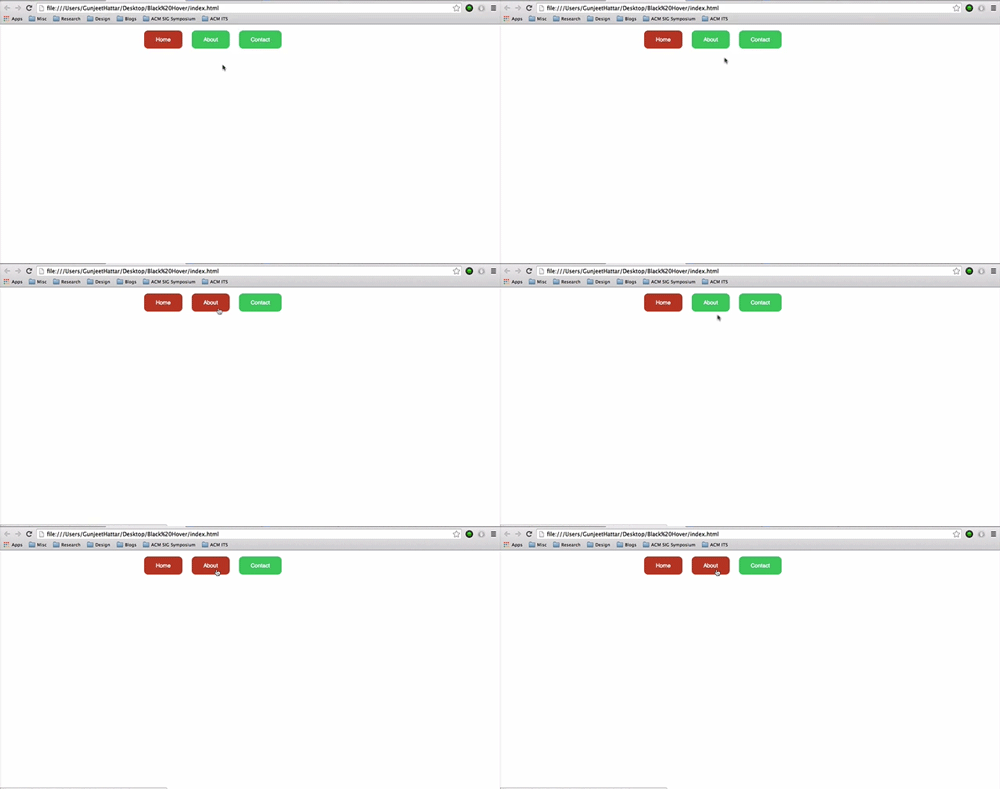
14,483 PointsOk I've written a small piece of html and css that does what you want
Instead of giving li some padding and margin, i've given the anchor tag the same amount of space. So when I hover over it the entire area (button) changes color.
<!DOCTYPE html>
<html>

    <head>
        <link rel="stylesheet" href="style.css" type="text/css">
    </head>

    <body>
        <header id="wrapper">
            <nav>
                <ul>
                    <li><a href="index.html"  class="selected">Home</a></li>
                    <li><a href="#">About</a></li>
                    <li><a href="#">Contact</a></li>
                </ul>
            </nav>
        </header>
    </body>

</html>
body{
    margin: 0;
    padding: 0;
}

#wrapper{
    max-width: 960px;
    margin: 0 auto;
    padding: 0 5%;
}

header{
    float: left;
    margin: 0 0 30px 0;
    padding: 5px 0 0 0;
    width: 100%;
}

a{
    text-decoration: none
}

nav{
    text-align: center;
    padding: 10px 0;
    margin: 20px 0 0 0;
}


nav ul{
    list-style: none;
    margin: 0 10px;
    padding: 0;
}

nav li{
    display: inline-block;
}

nav a{
    font-family: sans-serif;
    font-size:14px;
    border-radius: 10px;
}

nav a, nav a:visited{
    padding: 15px 30px;
    margin: 0 10px;
    background-color: #2ecc71;
    color: white;
}

nav a.selected, nav a:hover{
    background-color: #c0392b;
    color: #fff;
}
Hope this helps

Taha Aharaz
8,764 PointsHere is an idea from noob2noob
In the HTML, you should maybe try wrapping the anchor element around the list item
for example:
<ul>
  <a href="example.com"><li>ListItem1</li></a>
<ul/>
Taha Aharaz
8,764 Pointsah no, don't think it will work, just tried it out....

Andrew Stelmach
12,583 PointsI'm a bit of a noob, but I'm pretty sure you should be applying the hover property to the anchor elements, not the list items.