Welcome to the Treehouse Community
Want to collaborate on code errors? Have bugs you need feedback on? Looking for an extra set of eyes on your latest project? Get support with fellow developers, designers, and programmers of all backgrounds and skill levels here with the Treehouse Community! While you're at it, check out some resources Treehouse students have shared here.
Looking to learn something new?
Treehouse offers a seven day free trial for new students. Get access to thousands of hours of content and join thousands of Treehouse students and alumni in the community today.
Start your free trial

Andrew King
3,411 PointsCrystalBall LaunchImage not working Xcode 6 / iPhone 5.
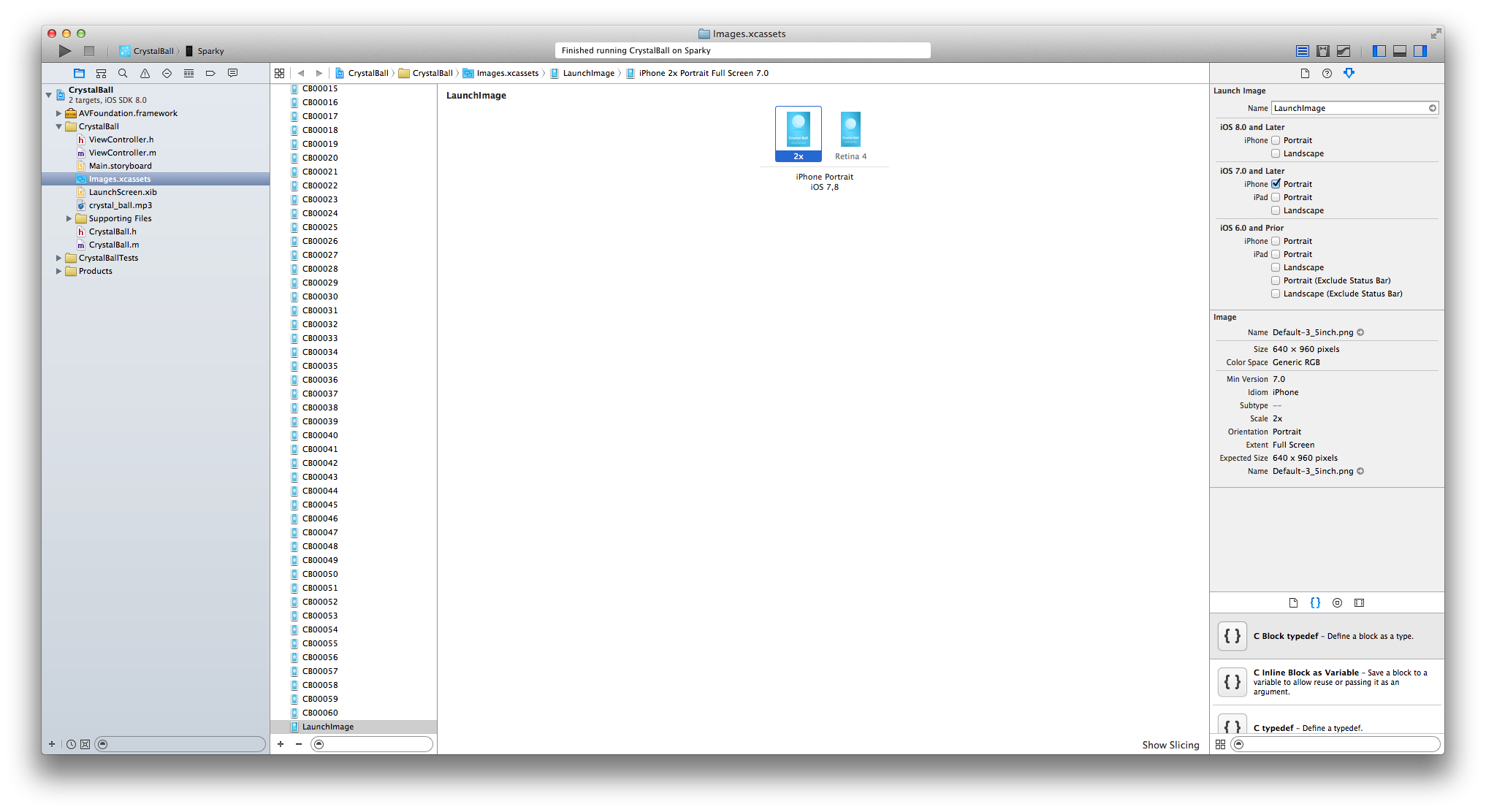
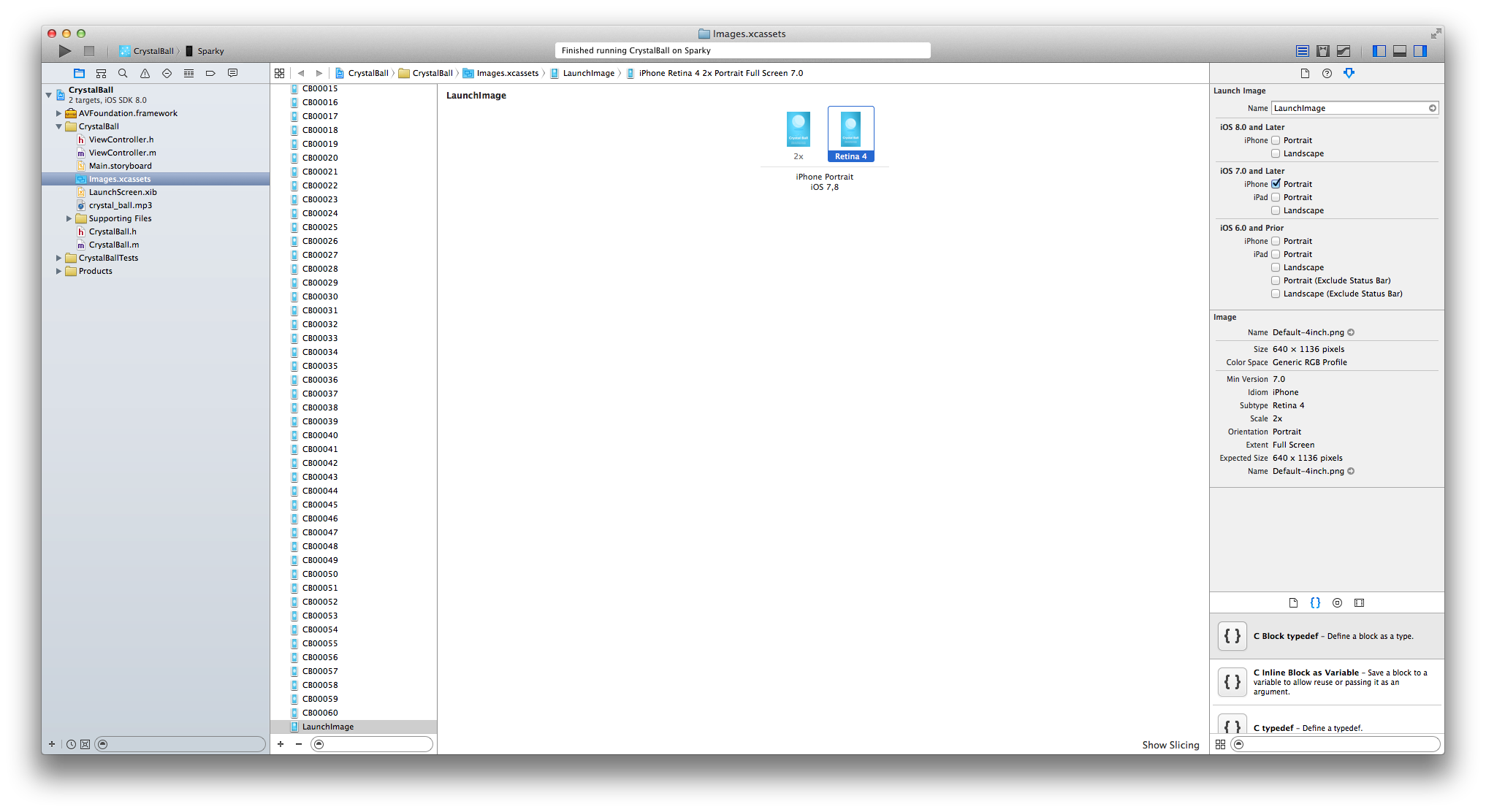
I've setup & added the launch images as shown in the screenshots below. Both pictures are the right resolutions for their blocks however nothing appears when I run the app on my device. I can't see anything in the simulator as it loads too quick.
Can anyone point out something wrong / help me get it to work?
2 Answers

Stone Preston
42,016 Pointsis your launchScreen.xib set to use this image as its background?
Andrew King
3,411 PointsI did it! Thanks for the help.
Andrew King
3,411 PointsAndrew King
3,411 PointsHum, seems not since it wasn't covered at all in the video.
How do I go about changing it? Seems odd it wouldn't be covered at all, is this a new thing for Xcode 6?
Stone Preston
42,016 PointsStone Preston
42,016 Pointsyes this is new in xcode 6. open the LaunchScreen.xib file. drag an image view onto the screen and set the image as your launch screen image file. you may need to use autolayout constraints to get it working with multiple screen sizes