Welcome to the Treehouse Community
Want to collaborate on code errors? Have bugs you need feedback on? Looking for an extra set of eyes on your latest project? Get support with fellow developers, designers, and programmers of all backgrounds and skill levels here with the Treehouse Community! While you're at it, check out some resources Treehouse students have shared here.
Looking to learn something new?
Treehouse offers a seven day free trial for new students. Get access to thousands of hours of content and join thousands of Treehouse students and alumni in the community today.
Start your free trial

James Hughes
1,366 PointsProblems with xCode - Can't see Storyboard?
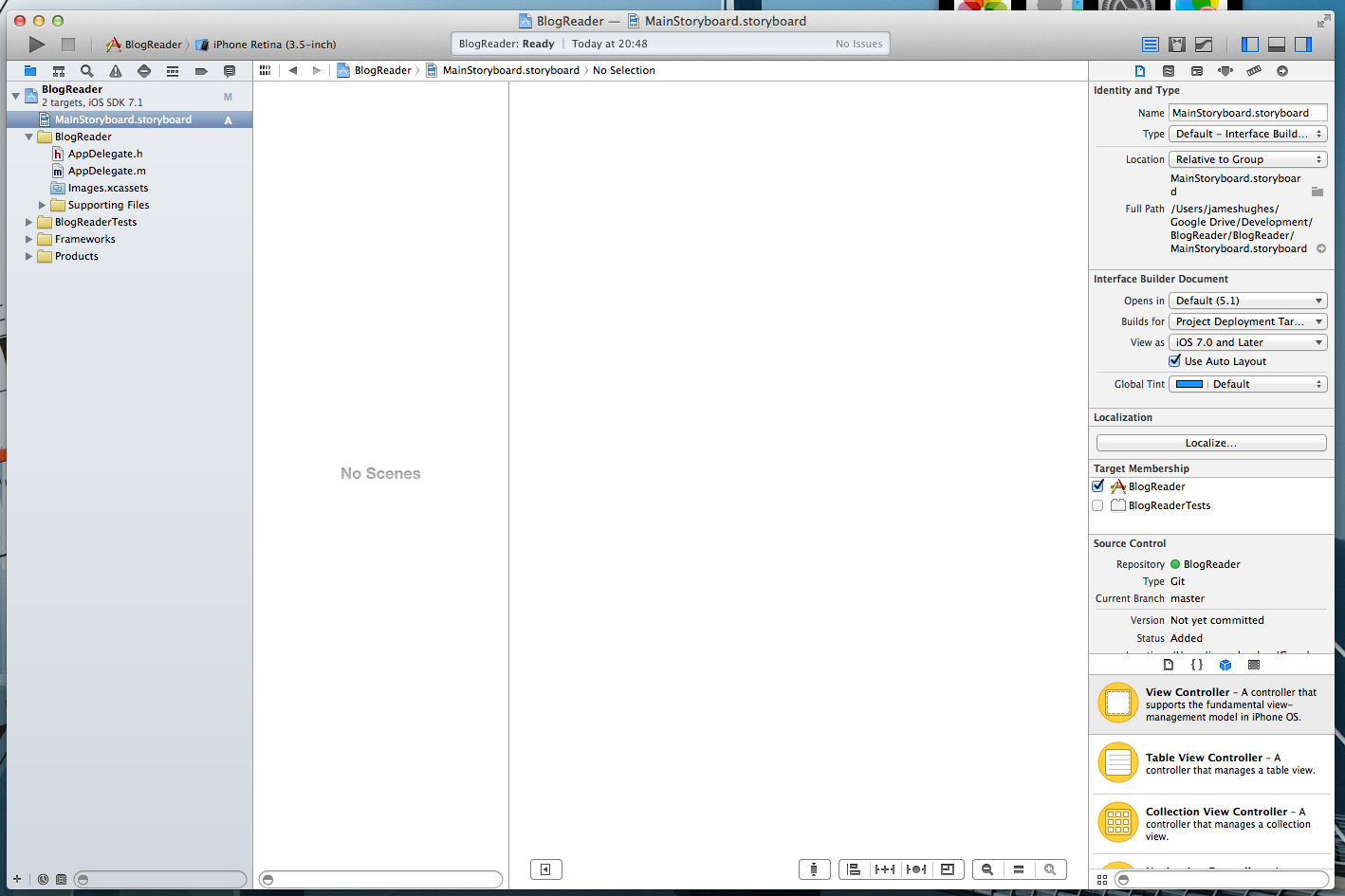
Hi Guys - I'm completely lost here. I'm trying to build a project, and can't edit the storyboards. Brand new app, brand new location, and it's not letting me edit, or see anything. Any ideas?
The Screenshot looks like this:
3 Answers

Thomas Nilsen
14,957 PointsLook in the bottom right corner. You're all the way zoomed in. Try zooming out, THEN drag a viewController in :)

Garrett Cox
4,797 PointsThis happened to me yesterday. I have built several from scratch and it wasn't recognizing the storyboard like I wanted.
However, your issue looks different. It would help if you were more specific with your issue. It doesn't look like you have even tried dragging a view controller into the storyboard frame.
James Hughes
1,366 Points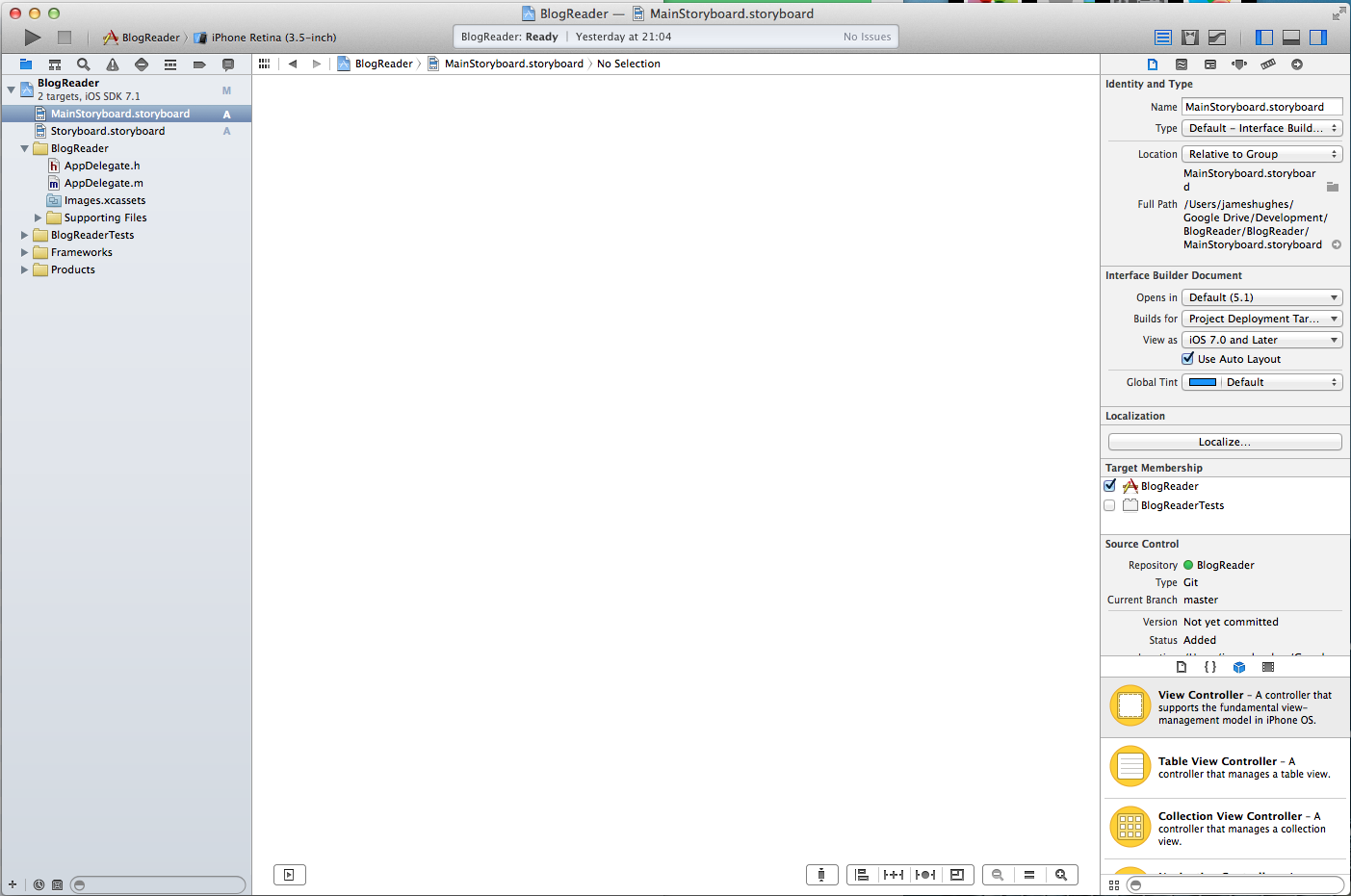

Thomas Nilsen
14,957 PointsSorry, I didn't mean it like that ;) But I agree with Garrett. It actually doesn't even look like you have dragged a viewController on there. Also, why do you have two storyboard files?